RihlaNook 4K Front and Rear Dash Camera Kit

$29.99 USD
$199.00 USD
Service Option

01Front + rear contextSee more of what happened around the vehicle.
02Real product mediaInspect the exact images attached to this product.
03Clear variant choiceSelected options and price update before checkout.
04Secure checkoutComplete payment through the store checkout.
BUILT FOR USEFUL EVIDENCE

The view ahead is only half the story.

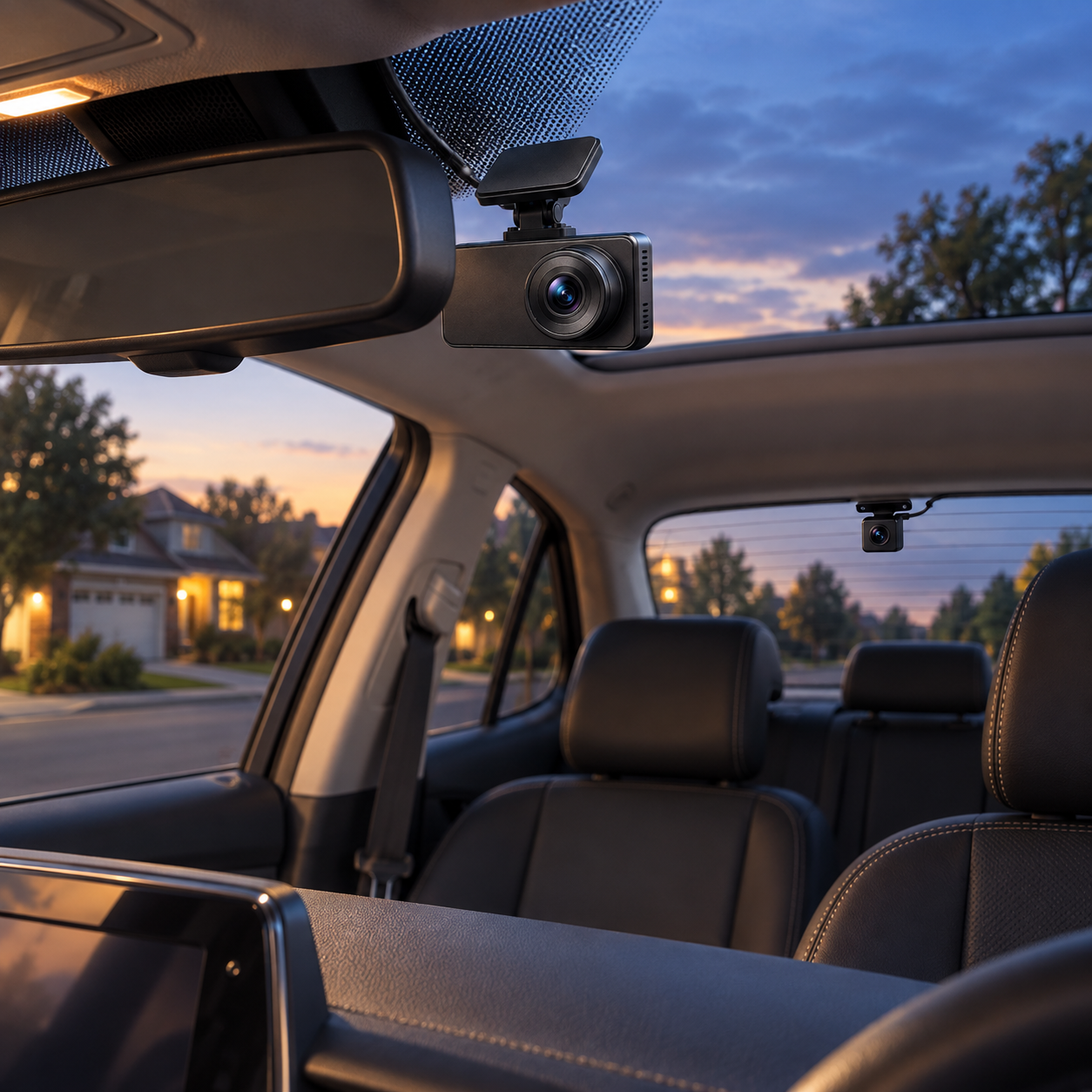
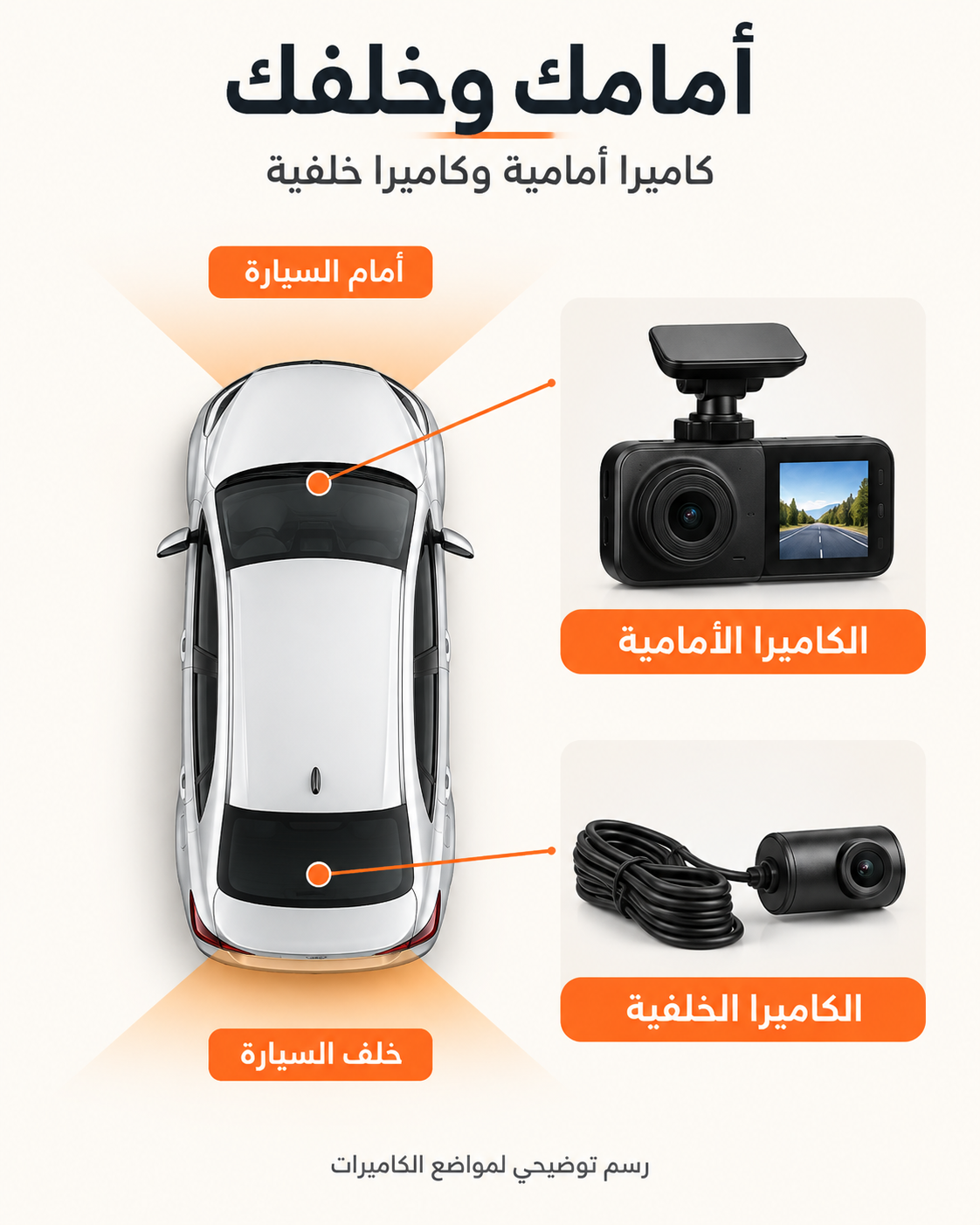
A front-and-rear setup is designed to preserve more context around everyday driving. The page keeps the buying decision focused on what can be checked: the product, the selected kit and the installation path.

FRONT

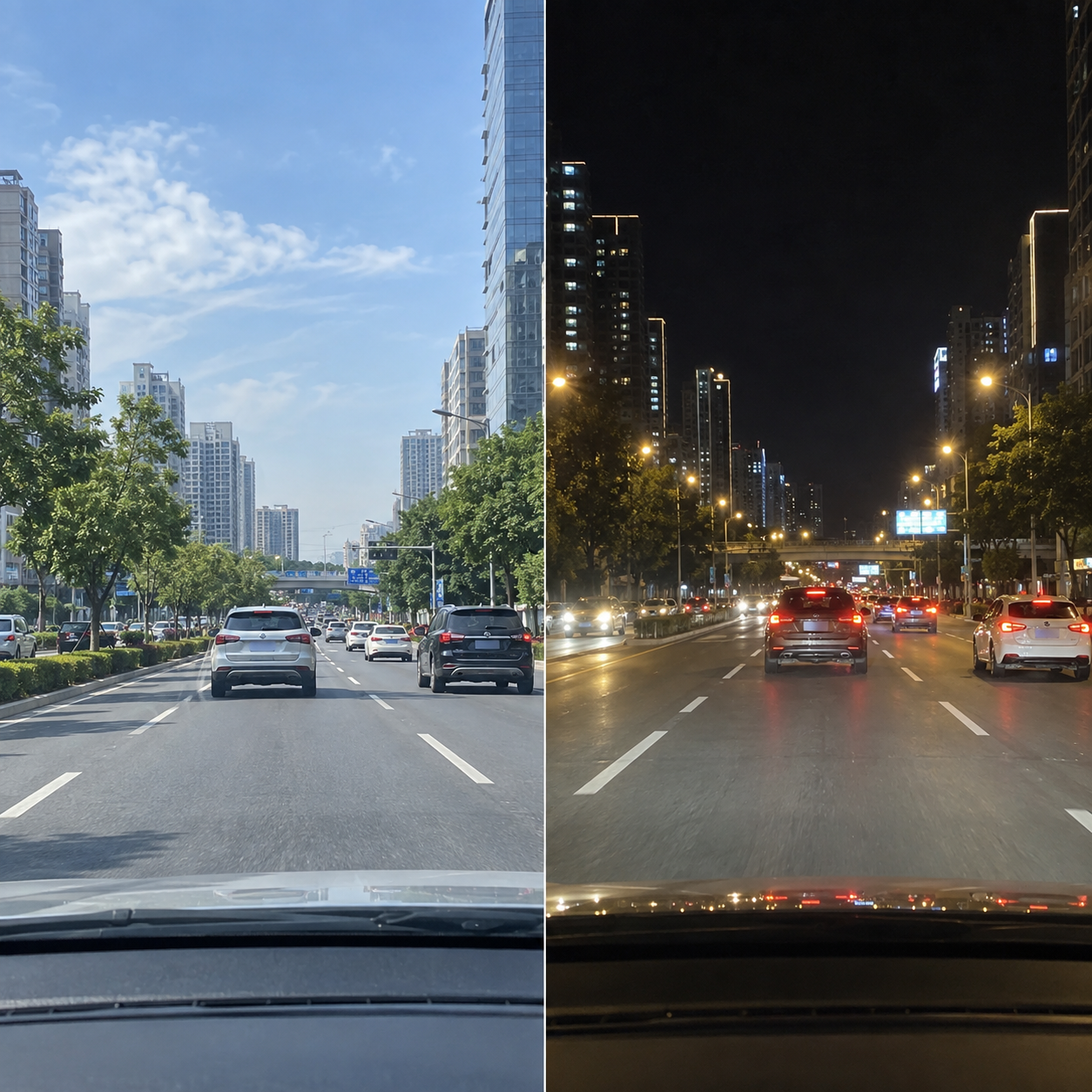
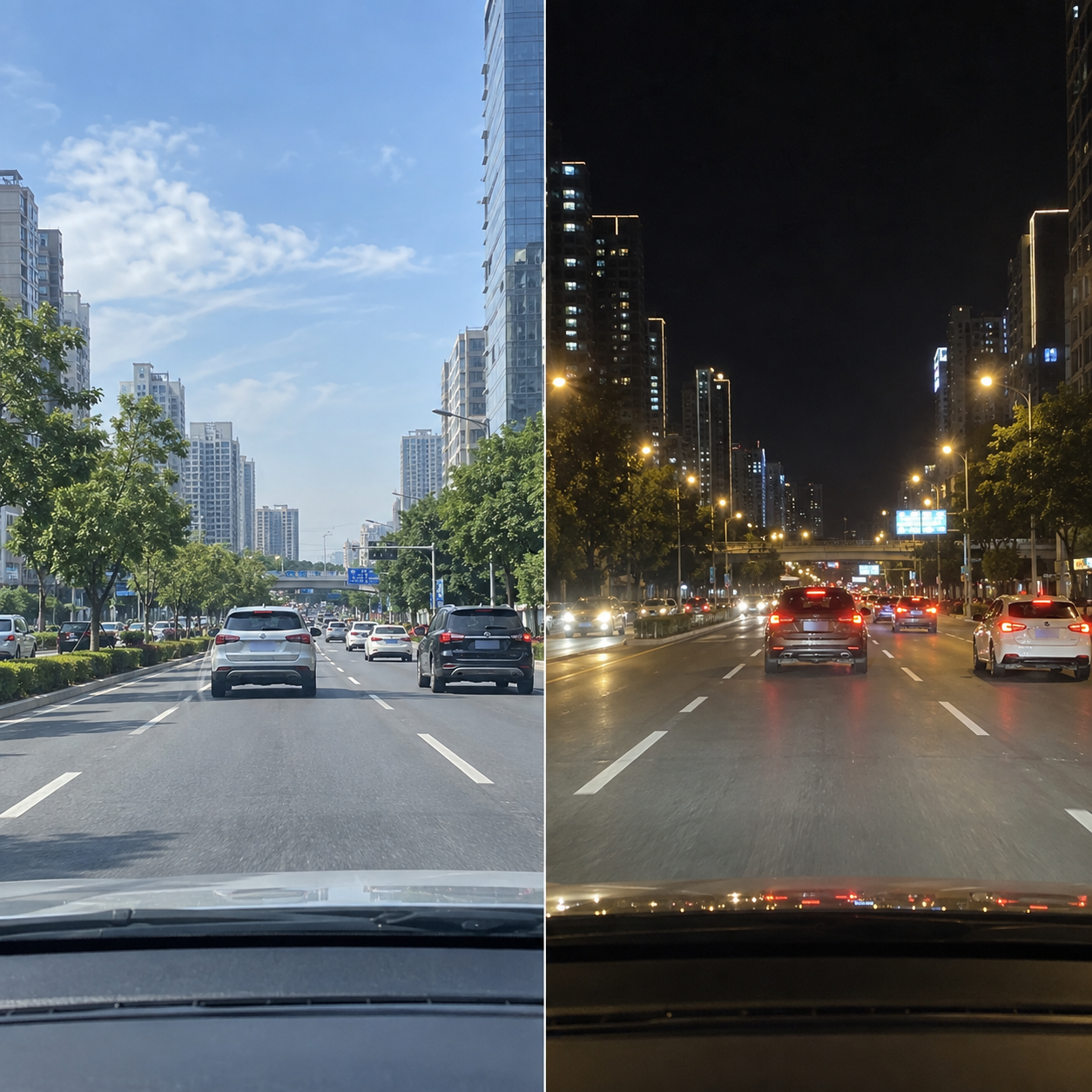
Record the road ahead

Use the front view to document the traffic, signals and events developing in your direction of travel.


REAR

Keep the missing context

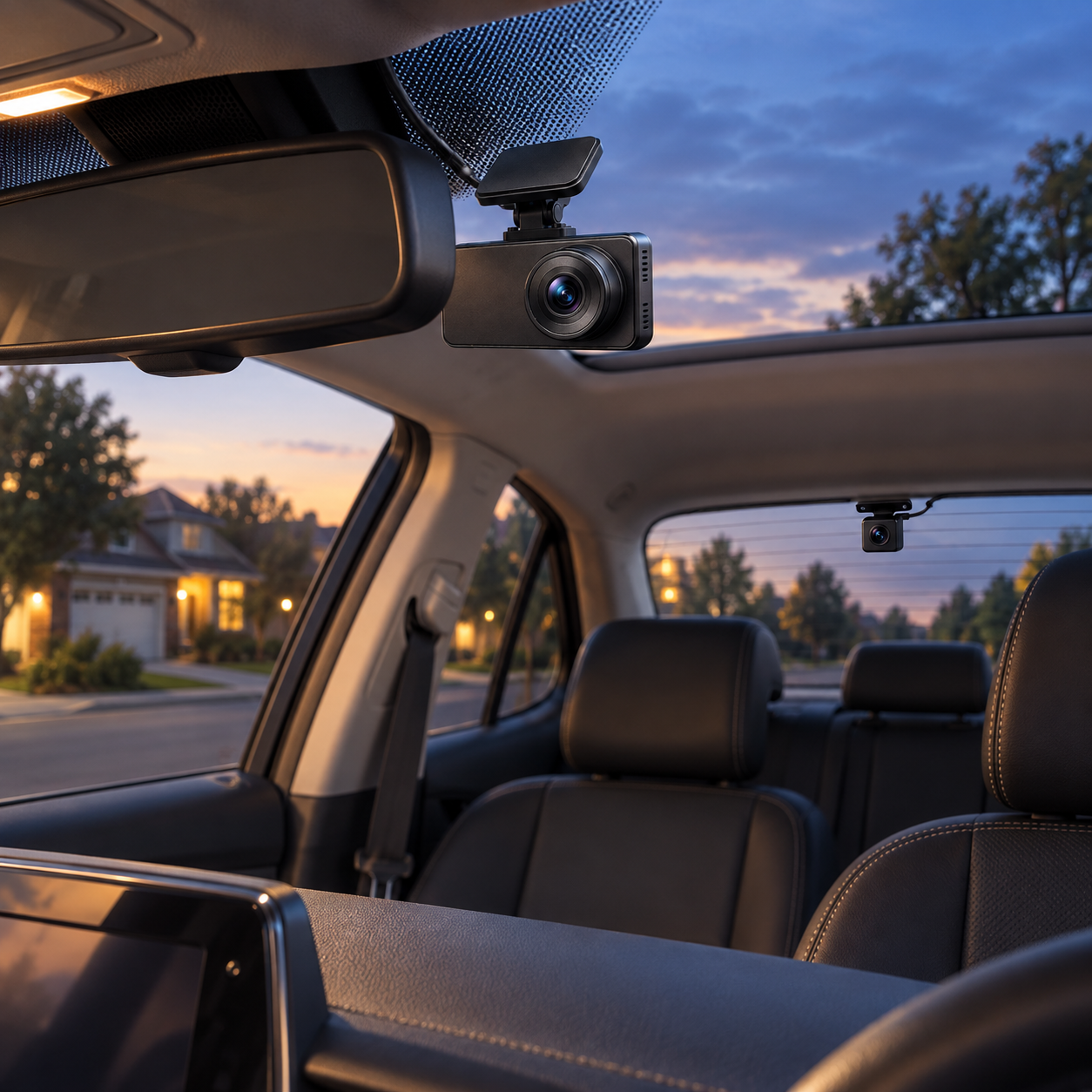
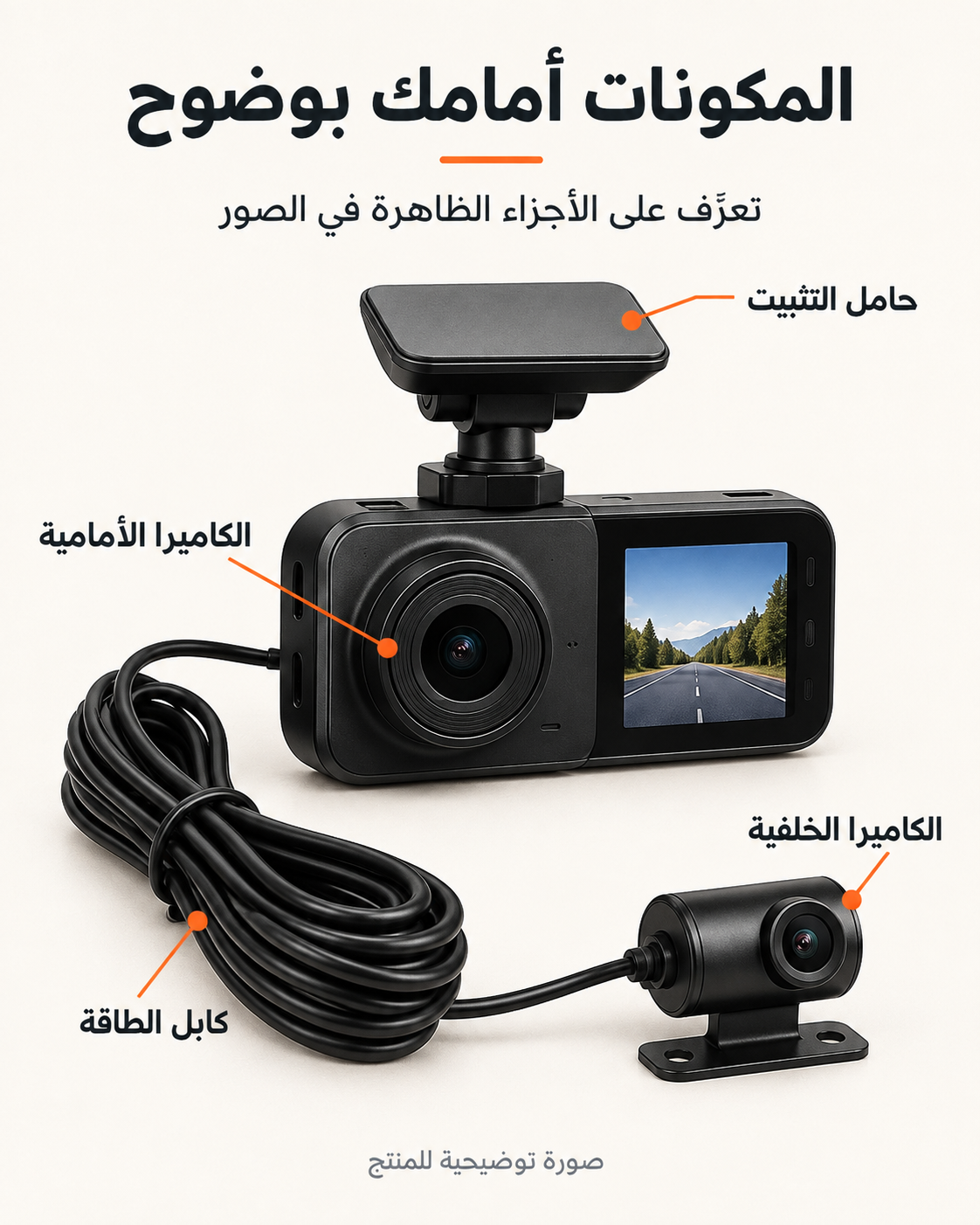
A separate rear camera adds another angle for following traffic, lane changes and rear impacts.

REVIEW

Choose from visible facts

Zoom the product media, compare the available variants and read the product details before ordering.

REAL PRODUCT VIEWS

Inspect every angle at a glance.

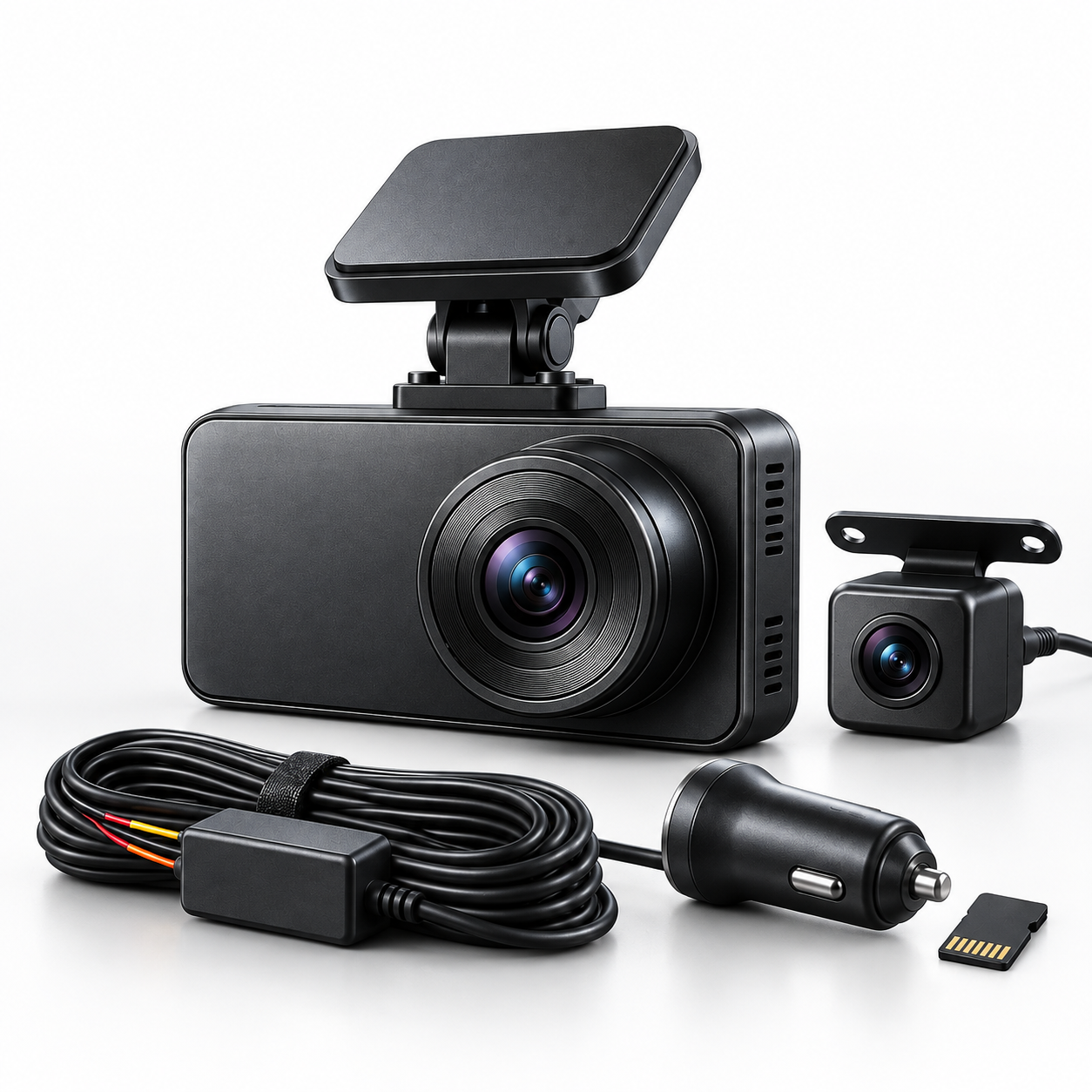
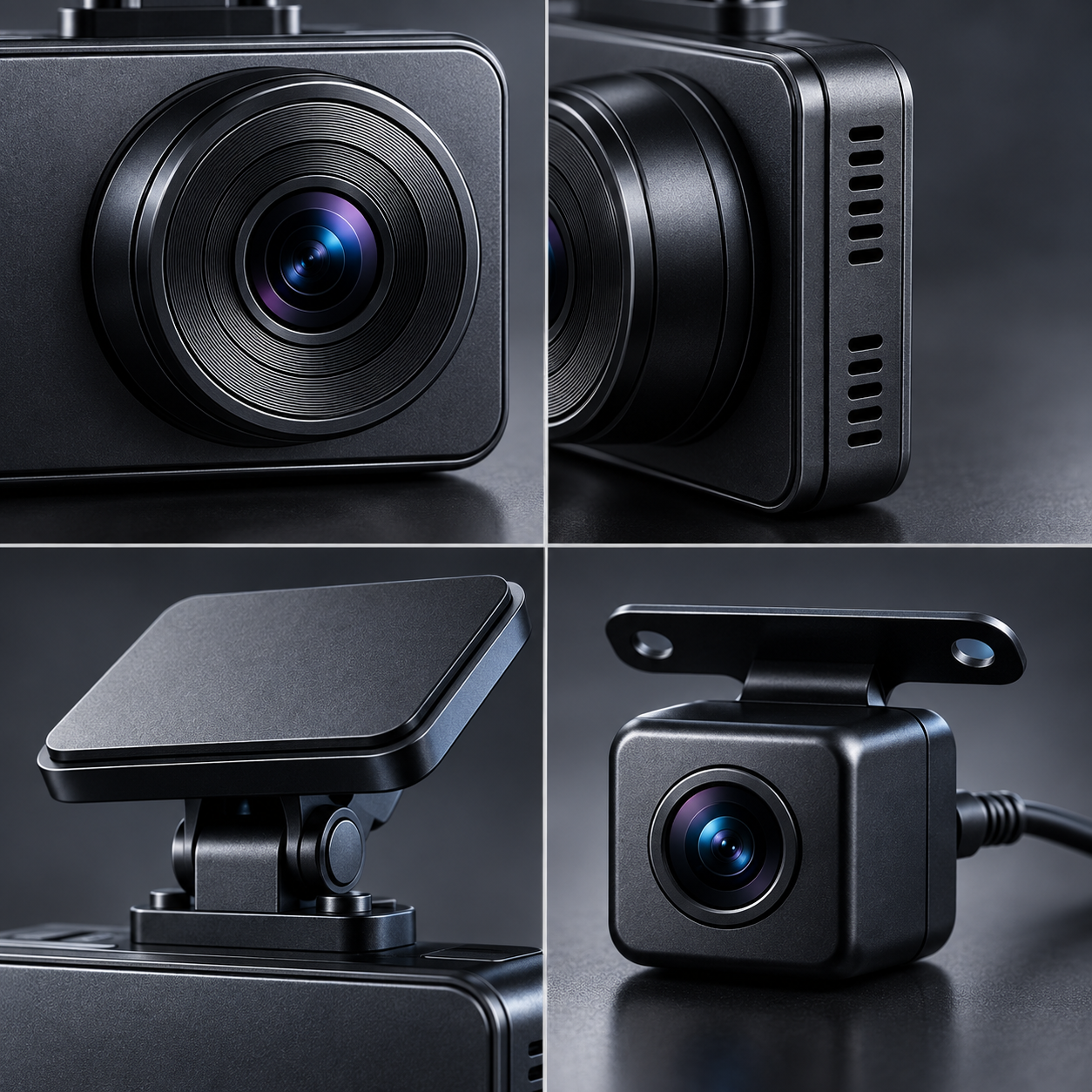
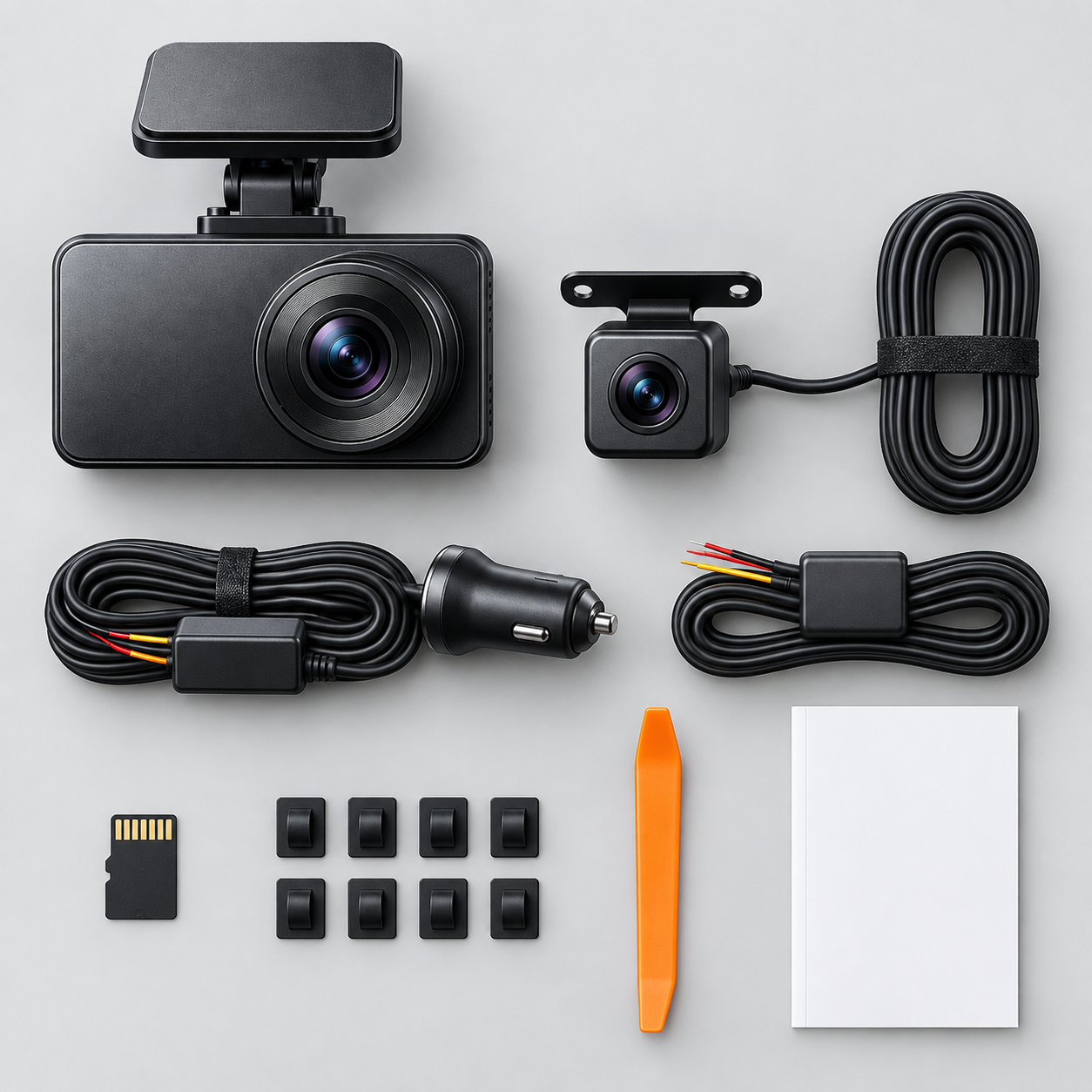
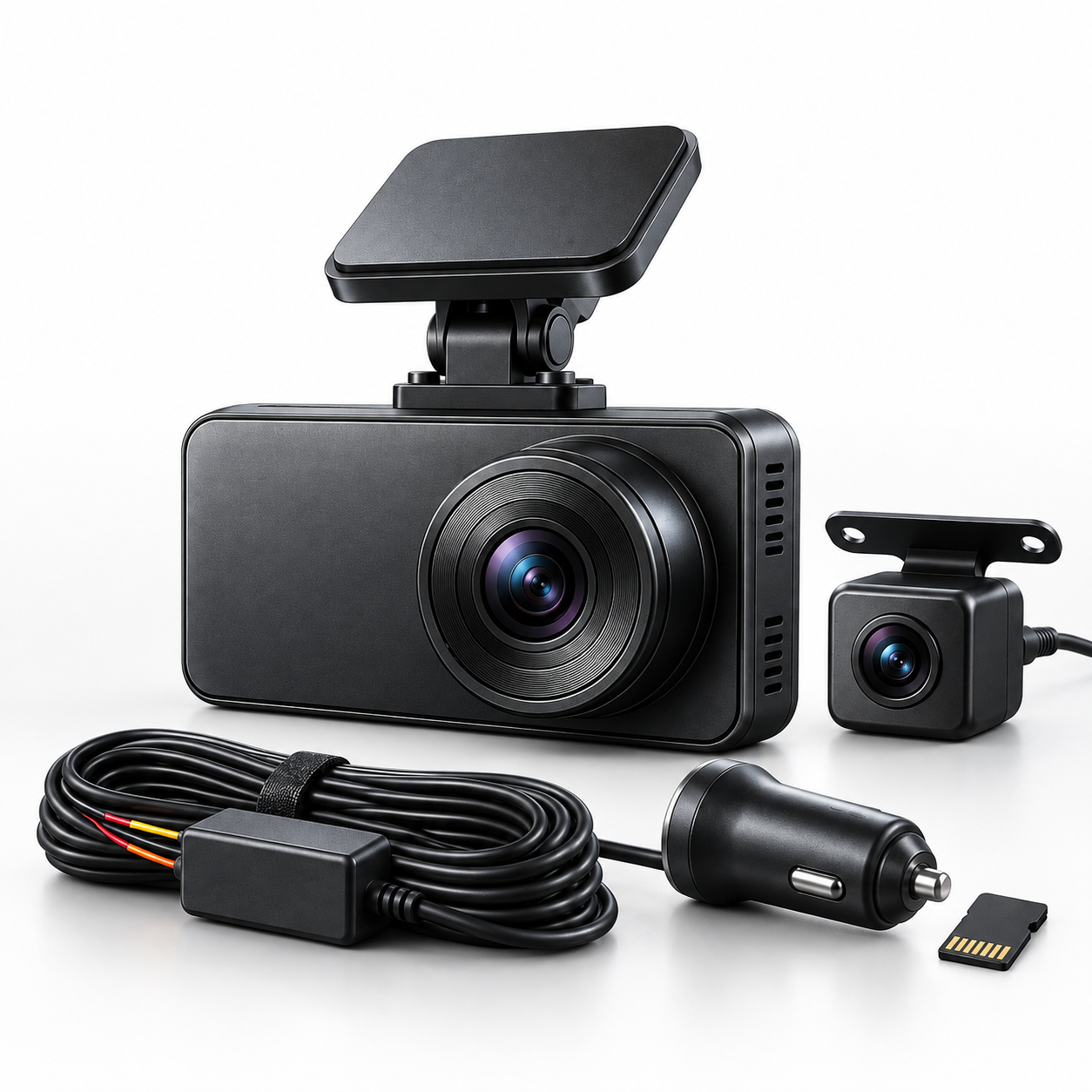
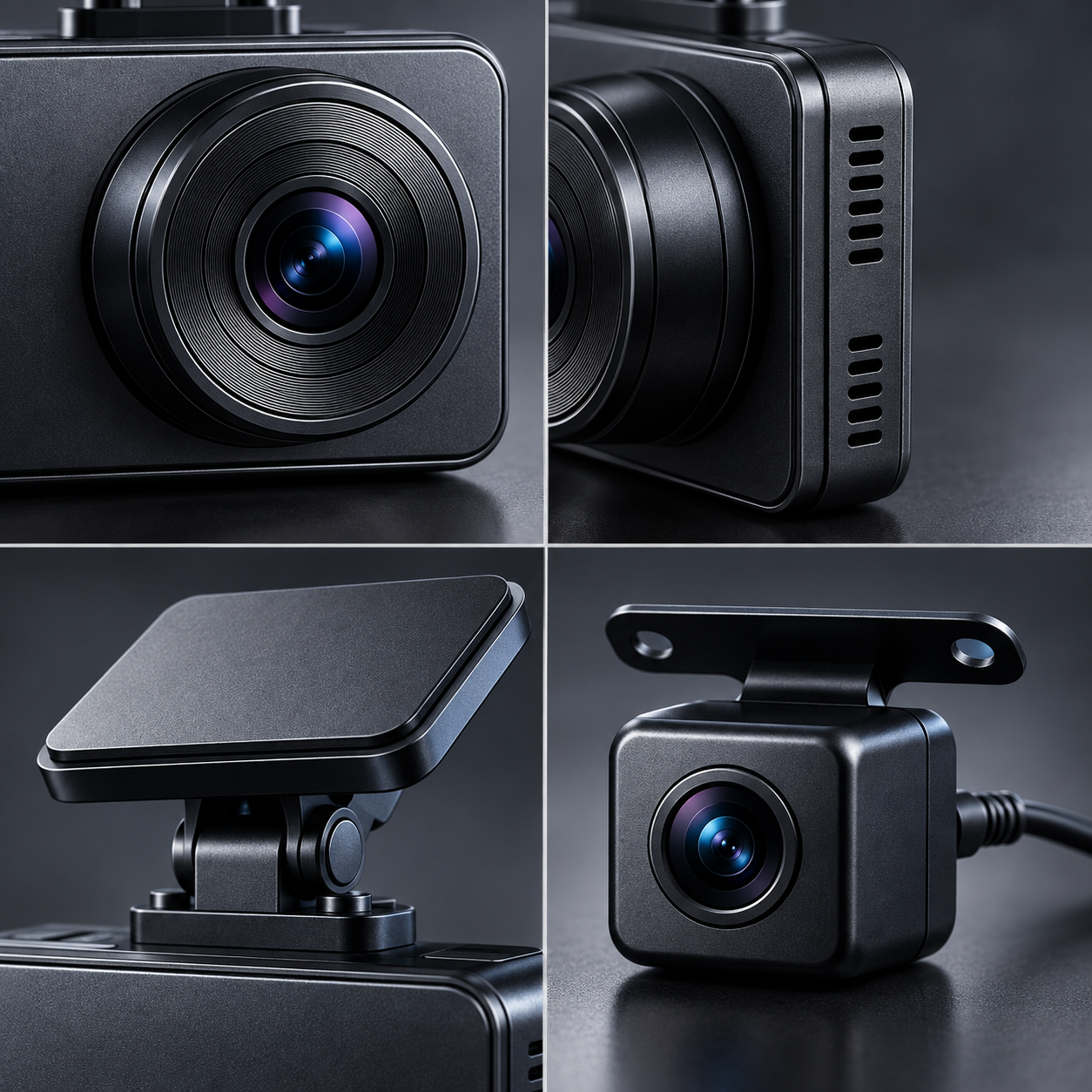
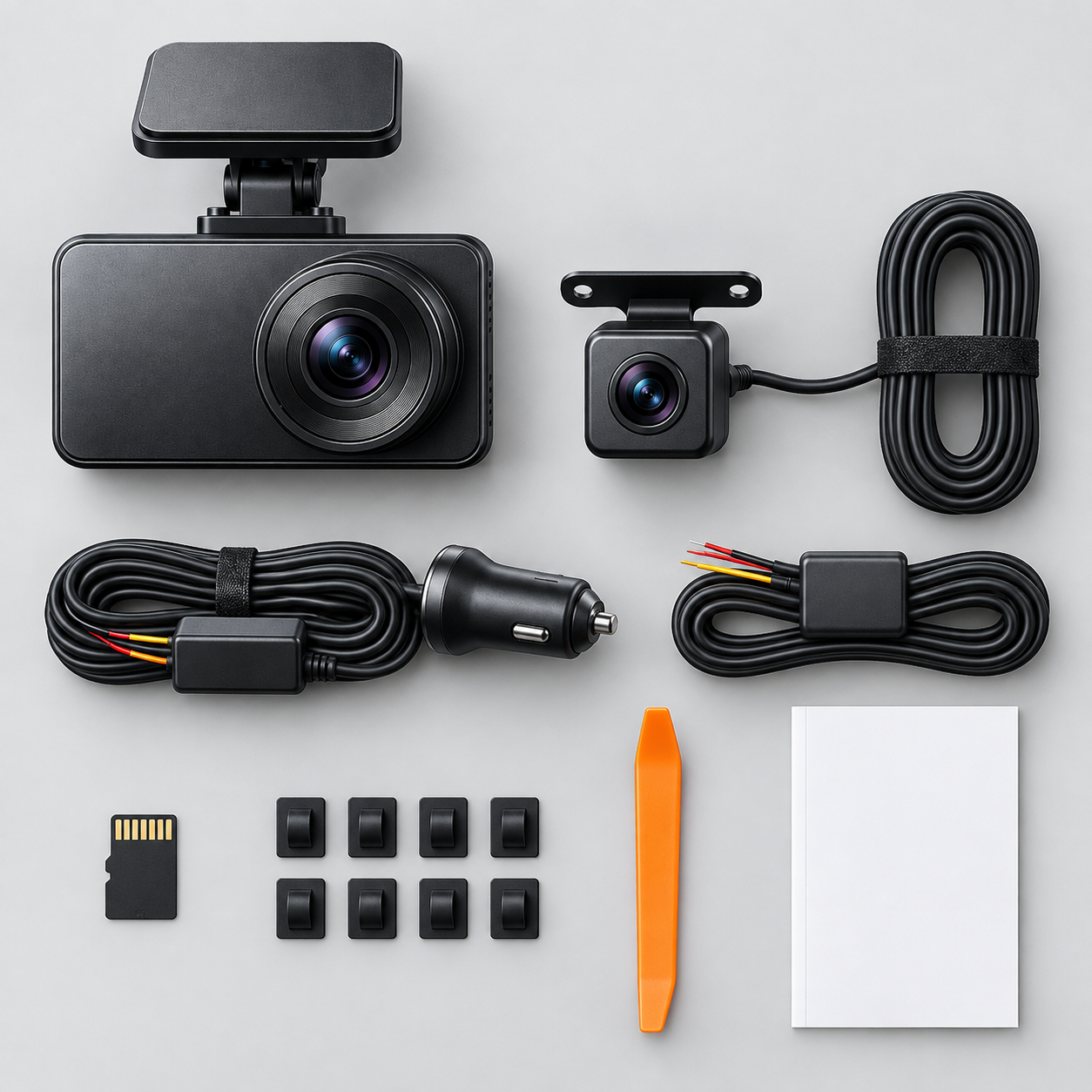
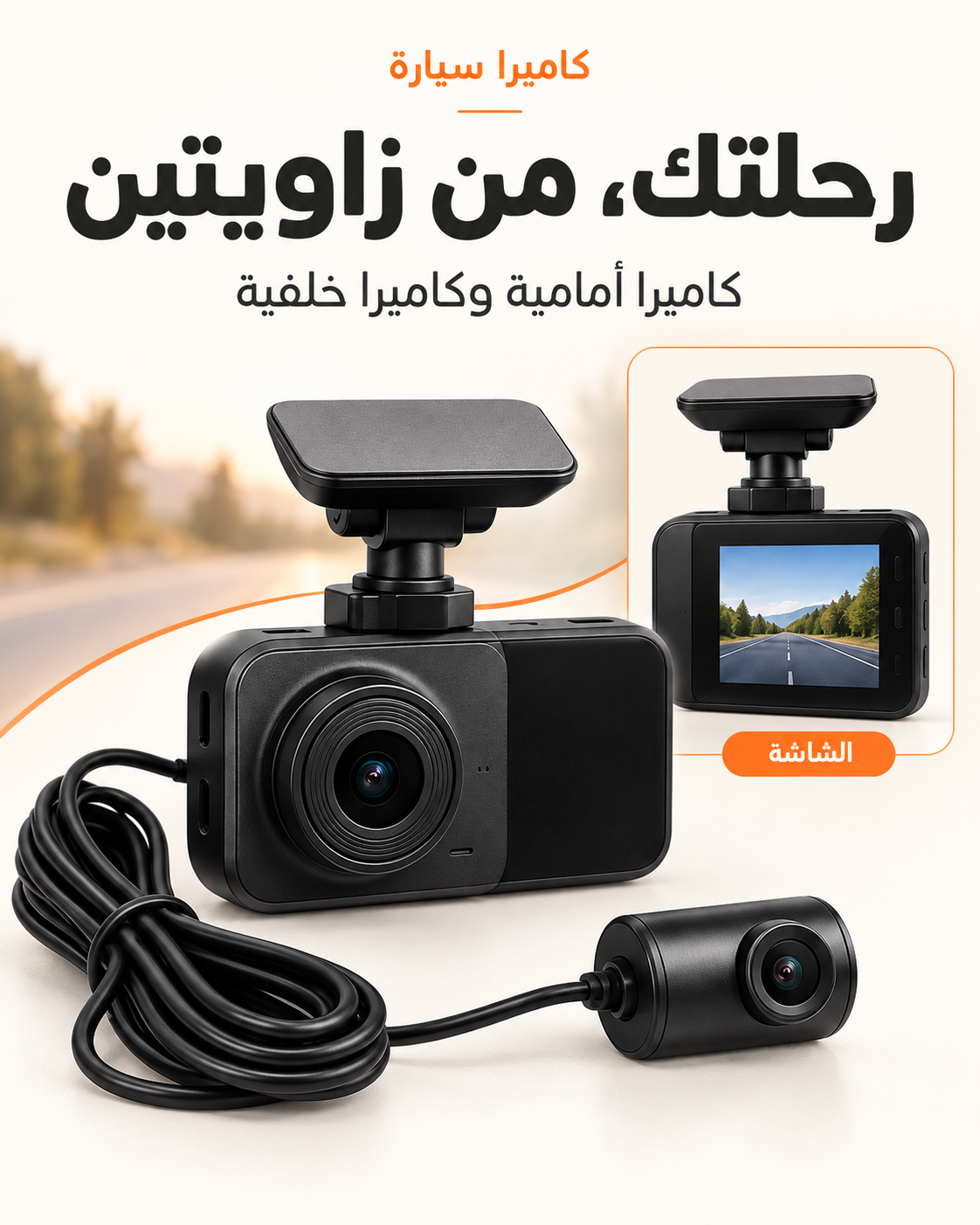
These are the media files attached to this product in SHOPLINE. Open the main gallery above to zoom and review the full set.

RihlaNook  4K Front and Rear Dash Camera Kit
VIEW 1RihlaNook 4K Front and Rear Dash Camera Kit
RihlaNook  4K Front and Rear Dash Camera Kit
VIEW 2RihlaNook 4K Front and Rear Dash Camera Kit
RihlaNook  4K Front and Rear Dash Camera Kit
VIEW 3RihlaNook 4K Front and Rear Dash Camera Kit
RihlaNook  4K Front and Rear Dash Camera Kit
VIEW 4RihlaNook 4K Front and Rear Dash Camera Kit
RihlaNook  4K Front and Rear Dash Camera Kit
VIEW 5RihlaNook 4K Front and Rear Dash Camera Kit
INSTALL WITH THE VEHICLE IN MIND

A clean fit starts with the cable path.

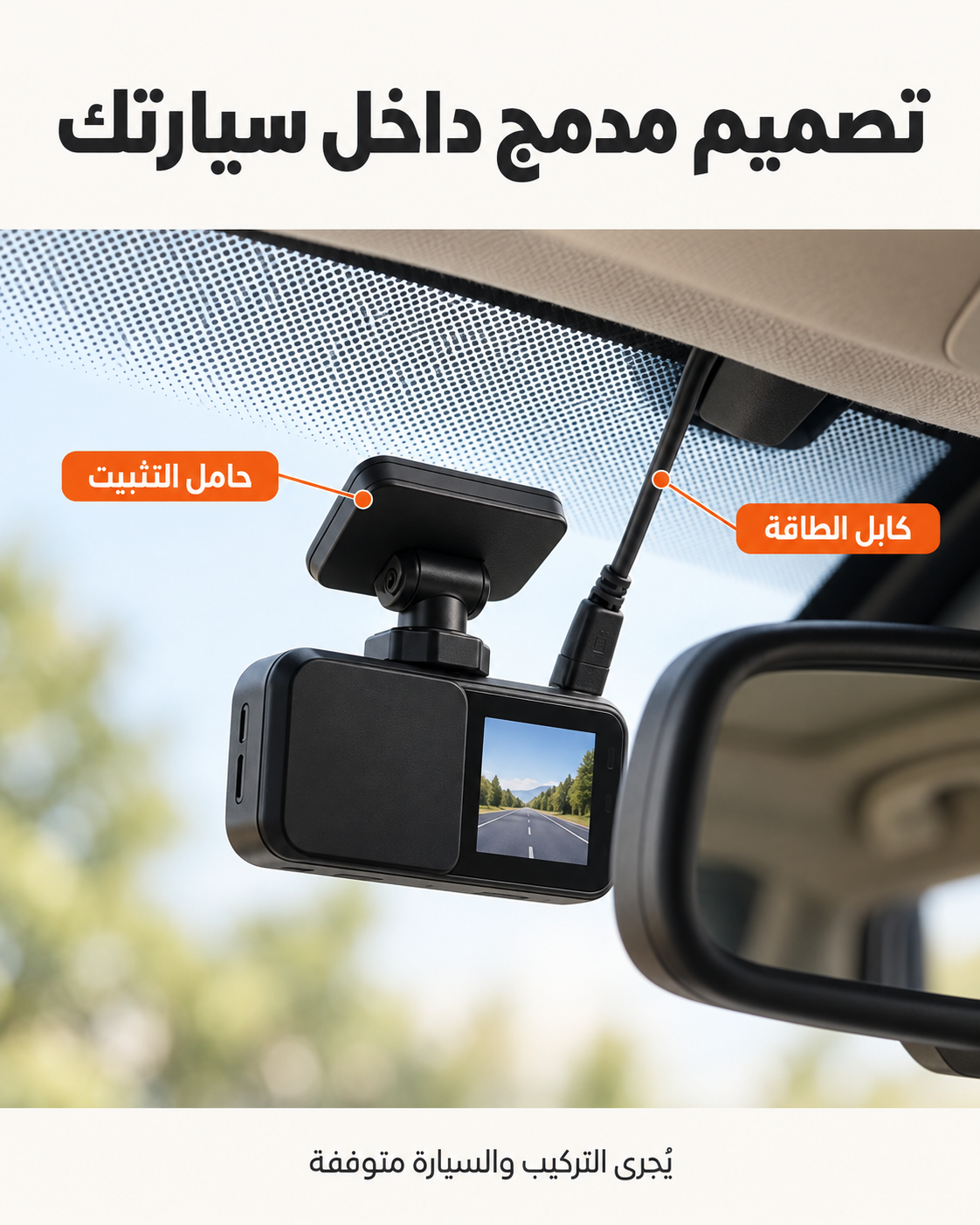
Plan the camera positions before removing adhesive liners. Keep the driver’s view clear and route every cable away from moving parts and airbag deployment areas.

  1. 01
    Choose the viewDry-fit the front and rear cameras and check both frames.
  2. 02
    Plan the routeTrace the cable path before pressing trim or adhesive into place.
  3. 03
    Connect and testConfirm both views and the selected settings before final cable concealment.
  4. 04
    Finish safelyKeep wiring clear of pedals, controls and curtain airbags.
PRODUCT DETAILS

What you should know before ordering.

The description below comes directly from this product record. Variant-specific pricing and availability remain in the buying panel above.

CHECK 01Selected variantConfirm the option shown beside the purchase button.
CHECK 02Included itemsMatch the chosen kit to the contents stated in the product description.
CHECK 03Vehicle fitReview camera placement, power connection and cable routing for your vehicle.
CUSTOMER EVIDENCE

Reviews tied to this product only.

Ratings should come from genuine product experience. Marketplace reviews from another brand or model are not shown here.

NO FABRICATED TESTIMONIALS
Verified reviews will appear here.Connect a SHOPLINE review app block to publish ratings, photos and purchase verification for this exact product.